
 Image 1 of 1
Intro to Video Editing
Day & Time: Thursdays, 2:00pm-3:30pm
Grades: 9-12
Teacher: David Snyder
Cost: $185 ($175/semester + $10 material fee)
.5 HS Credit: Fall Semester (Elective)
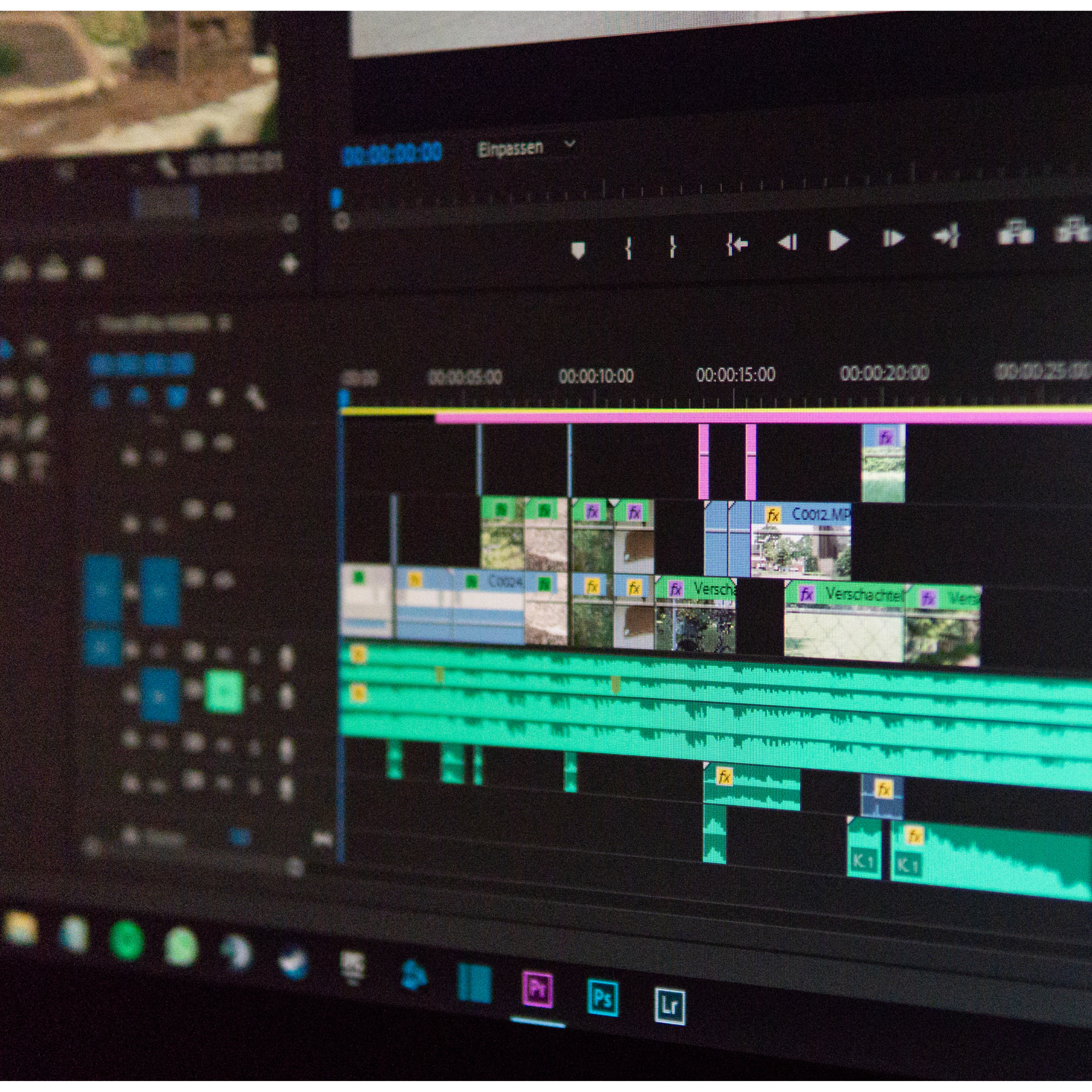
This course introduces students to the fundamentals of video editing using DaVinci Resolve (free software). Students will learn how to organize media, build timelines, edit videos and audio, add titles and transitions, perform basic color correction, and export finished videos.
The course begins with structured, instructor-led exercises so all students develop the same foundation in editing tools and workflow. As the course progresses, students will apply those skills to a short creative project using a shared set of video and audio clips. Each student will make individual editing decisions involving story structure, pacing, sound, visual style, and final delivery.
By the end of the course, students should be able to complete a short edited video from start to finish and understand the basic technical creative decisions involved in video editing.
Students are able to use this course to earn ½ credit for an elective/computer science.
Parents stay connected through clear project expectations and progress updates.
Requirements: Laptop capable of running DaVinci Resolve (free software) (Chromebooks and iPads not supported; see full system recommendations or check with instructor)
Mouse (a 3 button mouse with scroll wheel is recommended for ease of use but not required.)
AC Adapter
In all cases, update to the latest GPU drivers
Laptop:
Windows:
Windows 10/11
I7/Ryzen 7 CPU or better
16GB RAM
Dedicated GPU 2GB VRAM supporting CUDA 11 or OpenCL 1.2
SSD with at least 30GB free space
Mac:
Latest macOS
M4 or better CPU
Integrated GPU
16GB RAM
SSD with at least 30GB free space
Intro to Video Editing
Day & Time: Thursdays, 2:00pm-3:30pm
Grades: 9-12
Teacher: David Snyder
Cost: $185 ($175/semester + $10 material fee)
.5 HS Credit: Fall Semester (Elective)
This course introduces students to the fundamentals of video editing using DaVinci Resolve (free software). Students will learn how to organize media, build timelines, edit videos and audio, add titles and transitions, perform basic color correction, and export finished videos.
The course begins with structured, instructor-led exercises so all students develop the same foundation in editing tools and workflow. As the course progresses, students will apply those skills to a short creative project using a shared set of video and audio clips. Each student will make individual editing decisions involving story structure, pacing, sound, visual style, and final delivery.
By the end of the course, students should be able to complete a short edited video from start to finish and understand the basic technical creative decisions involved in video editing.
Students are able to use this course to earn ½ credit for an elective/computer science.
Parents stay connected through clear project expectations and progress updates.
Requirements: Laptop capable of running DaVinci Resolve (free software) (Chromebooks and iPads not supported; see full system recommendations or check with instructor)
Mouse (a 3 button mouse with scroll wheel is recommended for ease of use but not required.)
AC Adapter
In all cases, update to the latest GPU drivers
Laptop:
Windows:
Windows 10/11
I7/Ryzen 7 CPU or better
16GB RAM
Dedicated GPU 2GB VRAM supporting CUDA 11 or OpenCL 1.2
SSD with at least 30GB free space
Mac:
Latest macOS
M4 or better CPU
Integrated GPU
16GB RAM
SSD with at least 30GB free space